Bookings and availability
Organise offers, slots, resources and activities. A shared reference for daily work and the booking journey.

SPORTS ASSOCIATIONS / SCHOOLS / RENTAL BUSINESSES
12 applications.
One system.
12 applications in one: bookings, CRM, finance, website and communications connected. So hunting for information stops being your main sport.
Plans and pricing on arxe.toSUBSCRIPTION
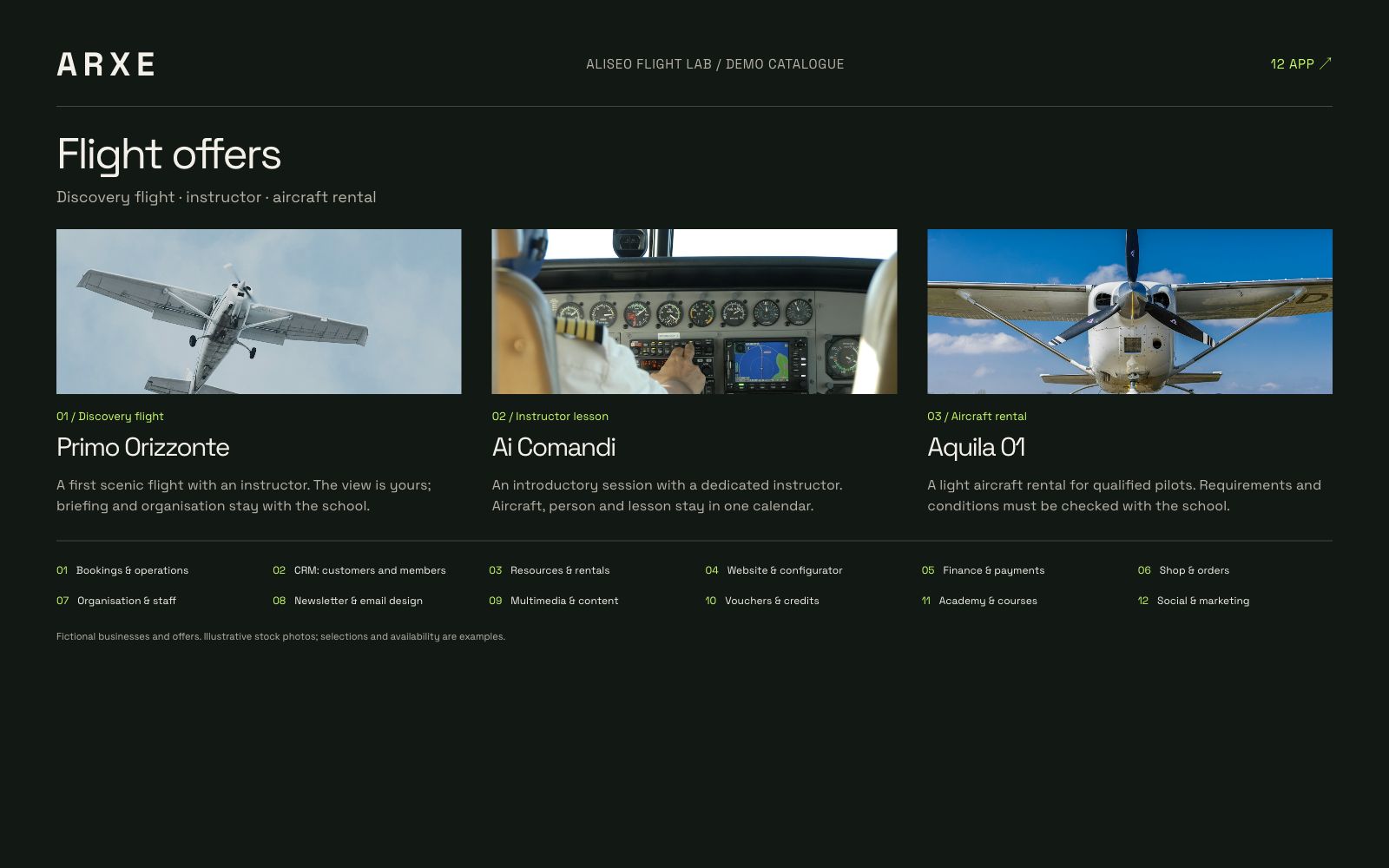
For activities where people, availability and resources need to work together.
Organise offers, slots, resources and activities. A shared reference for daily work and the booking journey.
Connect contacts, members and operational roles without rebuilding the context every time a different person takes over.
Academy, website, member portal and finance complete the platform. Module availability depends on the plan.
THE OFFER
The official pricing page is the reference for prices, billing periods and limits. Check the right plan for your organisation before activating.
Plenty of features without plenty of places to search. Information stays connected: from website to booking, from customer to payment.
Slots, calendar, attendance and check-in. “Who booked?” does not need to be a meeting.
Contacts, members, subscriptions and deadlines. Customers belong in the CRM, not in a colleague’s memory while they are away.
Vehicles, equipment, spaces and instructors. Know what is assigned and to whom.
Your website, offers and configurators connected to the system. Customers choose; you keep the context.
Invoices, income, expenses, refunds and due dates. “I think they paid” is not an accounting entry.
Products, orders and shop management in the same system as the rest of your business.
Roles, people and organisation settings. Everyone finds the tools for their job.
Email editor, templates and brand kit. Configure your logo, colours and style so your emails carry your brand too.
Photos, videos and materials in one place. Goodbye “final_really_final_3”.
Gift vouchers, codes, credits and expiry dates. A gift for customers, less manual arithmetic for you.
Programmes, lessons, materials and learning paths connected to the people using them.
A space to organise communication and marketing activities close to your business data.
Features depend on plan, permissions and configuration. Website, shop and social are in beta.
NEWSLETTER / MAIL DESIGN
Configure your logo, colours and brand style. From confirmations to newsletters, your emails become recognisable. The email design editor helps you build them: the anonymous template can retire.

Flight experiences and school news with our own style in every detail.
Explore the catalogue ↗Your business, from the customer’s side.
CUSTOMER AND MEMBER PORTAL
Customers and members have a dedicated portal: bookings, courses, rentals, invoices, payments, vouchers, credits, documents and notifications in one access.
Lessons, sessions and rentals: choose an activity and explore the demo catalogues. People, resources and enquiries follow the same thread.
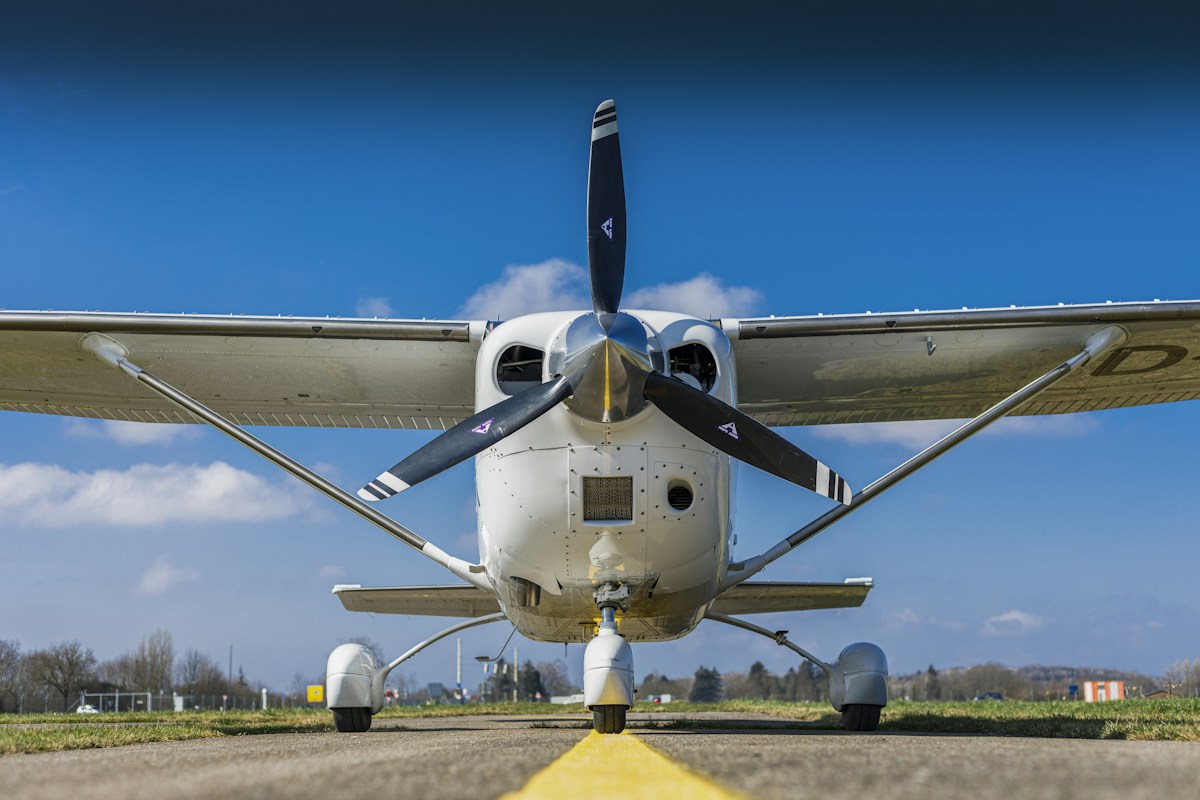 01 / ALISEO Flight Lab
Explore the catalogue ↗
 02 / PUNTO ZERO Paintball
Explore the catalogue ↗
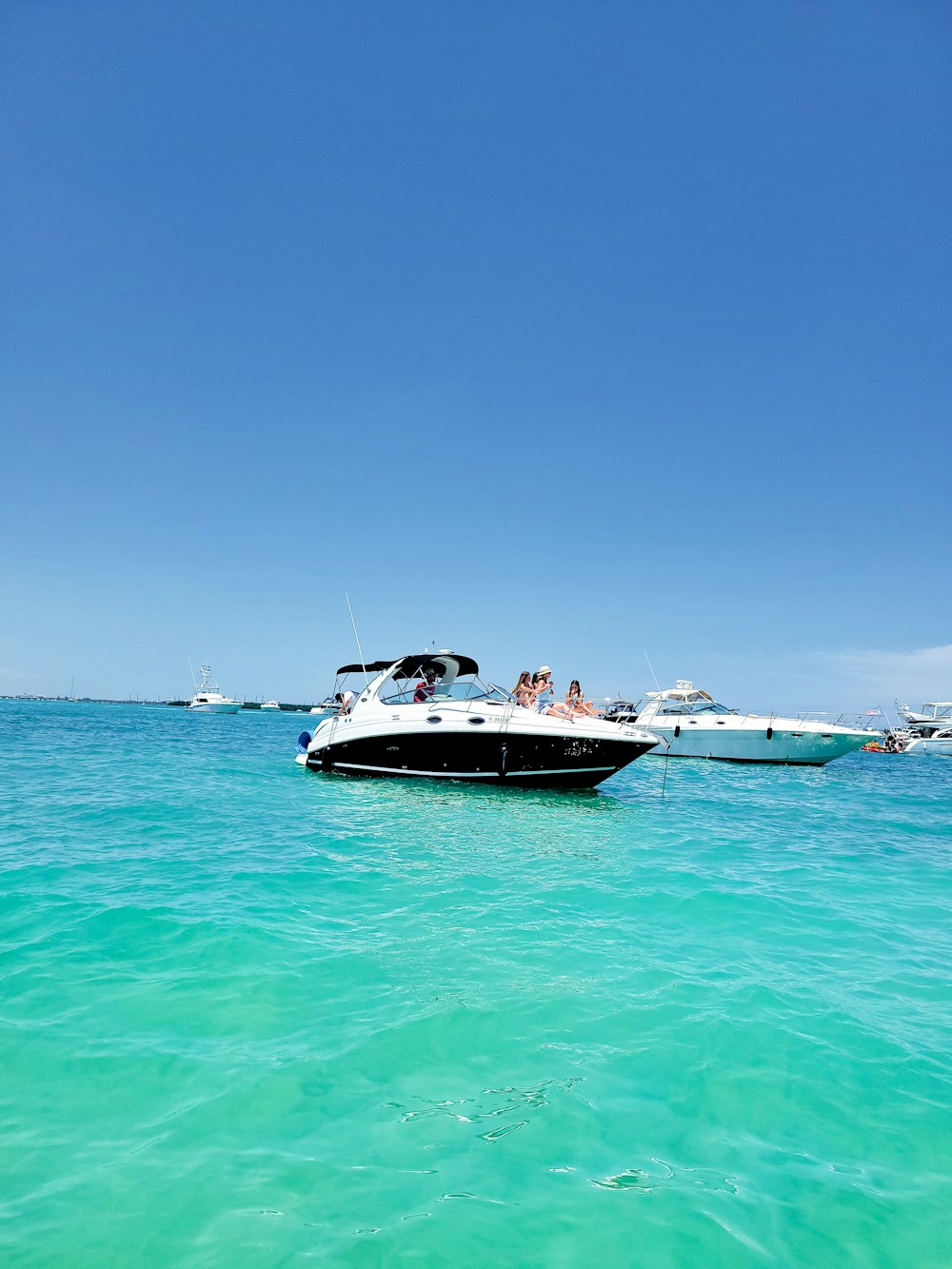 03 / ROTTA 06 Boat Rental
Explore the catalogue ↗
 04 / VENTO Kite School
Explore the catalogue ↗
 05 / SOLCO Motocross Academy
Explore the catalogue ↗
 06 / VIA LIBERA Autoscuola
Explore the catalogue ↗
 07 / CONTROSTERZO Drift Academy
Explore the catalogue ↗
 08 / QUOTA Skydive
Explore the catalogue ↗
 09 / ONDA CABLE Wake Park
Explore the catalogue ↗
 10 / LINEA D’ONDA Surf School
Explore the catalogue ↗
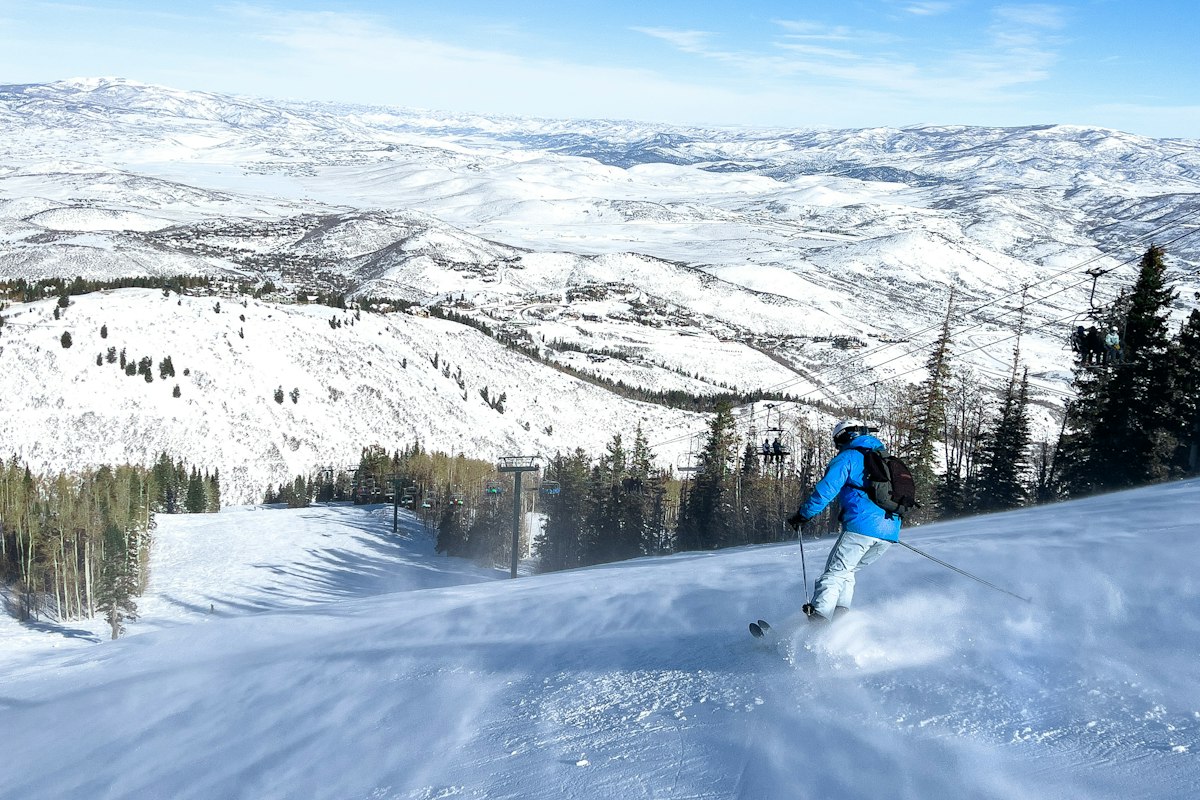 11 / PUNTA ALTA Ski & Snowboard
Explore the catalogue ↗
Fictional businesses and offers. Illustrative stock photos; selections and availability are examples.
START WITH YOUR CASE
Choose a product and describe the problem. Prepare an email to review and send with your email application.
Nothing has been sent. You can edit the text before sending.